 Auraz Tech
How to Check and Improve Mobile Signal Strength on Android in Pakistan (2026): Bars, dBm, and Fixes That Actually Work
You know the feeling: you stand at the window, arm raised, trying to make a call that keeps breaking up, while the person next to you on a different network chats away happily. Or your phone shows three bars, yet WhatsApp messages refuse to send and a YouTube video buffers forever. Weak mobile signal is one of the most common frustrations for Android users in Pakistan, and it is also one of the most misunderstood. The bars in your status bar lie — or at least, they tell only half the story. This guide shows you how to measure your real signal strength, understand what the numbers mean, and apply the fixes that genuinely work, from free five-minute checks to the bigger decisions, like switching networks or setting up Wi-Fi calling at home.
First, Measure Your Real Signal: Forget the Bars
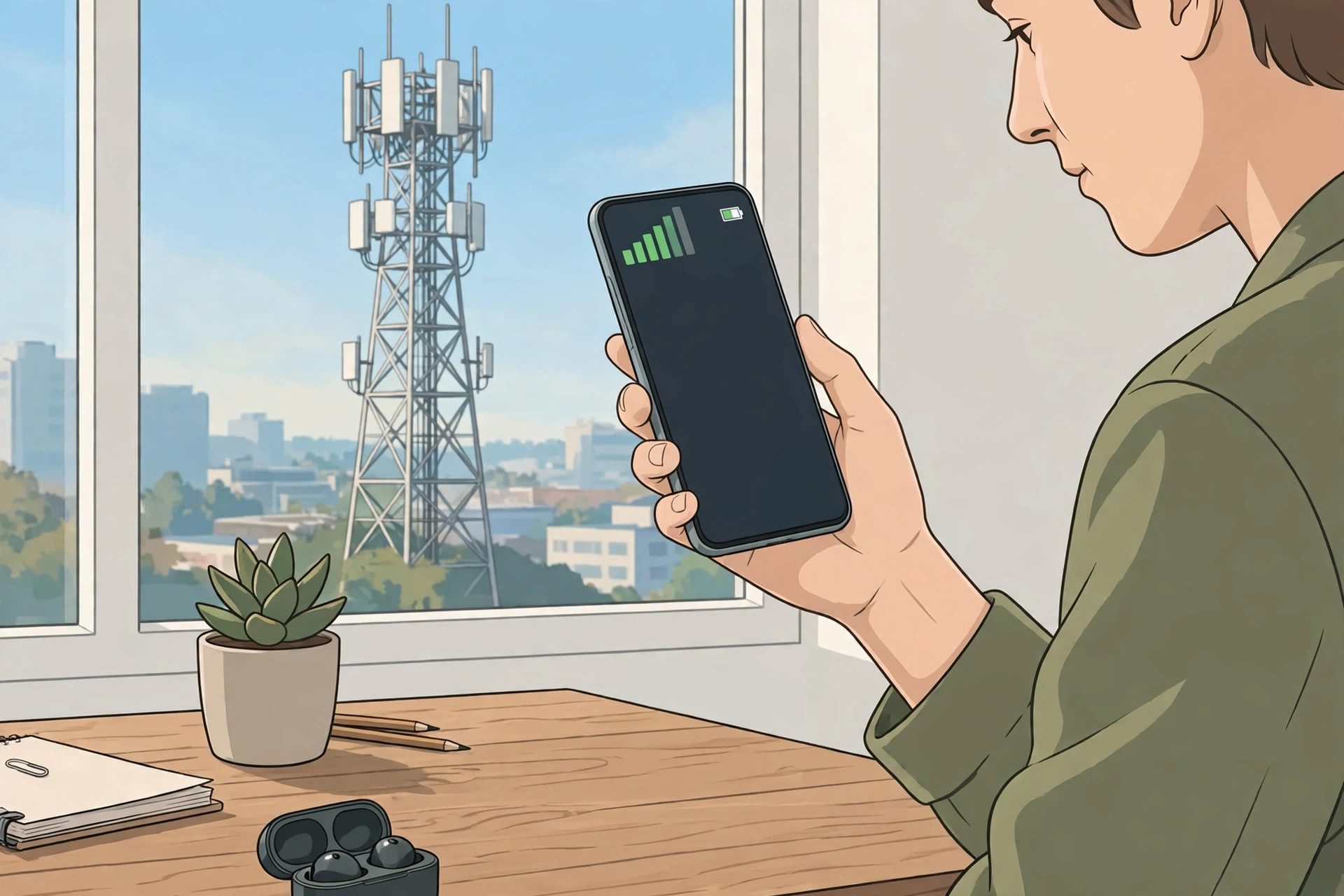
The bars on your phone are not a standard measurement. One brand's three bars can be another brand's two, and the same phone can show different bars for the same signal depending on the network type. The real measurement is dBm, short for decibel-milliwatts, and every Android phone can show it. The scale is negative, which confuses people at first: a signal of -70 dBm is much stronger than -105 dBm, because -70 is closer to zero.
Here is how to find it. Open Settings, About phone, SIM status (on Samsung phones it is under Settings, About phone, SIM card status; on some Xiaomi phones it is under Settings, About phone, All specs, Status). Look for Signal strength, shown in dBm, and note the network type next to it, such as LTE or 5G. For a more detailed view, install a free app like Network Cell Info or CellMapper from the Play Store — these show your dBm over time, which tower you are connected to, and whether you are on 4G or falling back to 3G or 2G.
Use this scale to judge your reading:
- -50 to -80 dBm: excellent to good. Calls, video calls, and fast data should all work well.
- -81 to -95 dBm: fair. Normal use is fine, though speeds may dip indoors or at busy times.
- -96 to -110 dBm: weak. Expect slow data, delayed messages, and occasional dropped calls.
- Below -110 dBm: very poor. Your phone is barely holding on to the tower, and calls may fail outright.
Measure in several spots: at your front gate, in the room where you usually sit, and in the room where calls fail. Write the numbers down. This turns a vague complaint — my signal is bad — into evidence you can act on, and it tells you whether a fix actually helped, instead of relying on how the bars look.
Why Your Signal Is Weak in the First Place
Weak signal almost always comes down to one of five causes, and the right fix depends on which one you have.
Distance from the tower. The further you are from the nearest tower, the weaker the signal. This is the main problem in villages and on the edges of towns, and it also matters in cities when the nearest tower is blocked by other buildings.
Obstacles and building materials. Concrete walls, steel reinforcement, metal roofs, and coated glass all absorb radio waves. A basement, an inner room with no outside wall, or a flat surrounded by taller buildings can easily lose 20 to 30 dBm compared with standing outside. This is why the same phone shows two bars in the lounge and four bars at the gate.
Network congestion. A tower can only carry so much traffic. In the evening, when everyone in your area is streaming, on video calls, or scrolling, the tower gets crowded and speeds drop even though your signal bars stay high. Congestion explains the classic puzzle of full bars with slow internet.
Your phone or SIM. A damaged SIM, a loose SIM tray, an old phone with a weaker antenna design, or a phone case with metal parts can all cost you signal. So can a phone stuck on the wrong network mode, or a SIM that has never been upgraded to 4G.
Network faults and load shedding. Towers run on mains power with battery backup, but during long power outages a tower's backup can run down, or a tower can go offline entirely. If your signal suddenly collapses across the whole neighbourhood, it is often a tower problem, not your phone.
The Free Fixes: Do These First
Work through these in order. Most weak-signal complaints in Pakistan improve at one of these steps, and none of them costs anything.
- Restart your phone, or toggle aeroplane mode. Toggle aeroplane mode on for 30 seconds, then off. This forces your phone to re-scan and reconnect, often to a nearer or less crowded tower. A full restart does the same thing more thoroughly.
- Move a few metres. Step to a window, a balcony, or an upper floor. Signal varies surprisingly within a single house — a spot near a window facing the nearest tower can be 10 to 20 dBm stronger than an inner room. If you work from home, this one change can transform your call quality.
- Remove the case and check the SIM. Take the phone out of a thick or metal case and re-test. Then power off, remove the SIM, wipe it gently with a dry cloth, reseat it firmly, and restart. If your phone has two SIM slots, try the SIM in the other slot — on some phones one slot has better antenna performance. If you suspect the SIM itself, see our guide to fixing a SIM card that is not detected.
- Check your network mode. Go to Settings, Mobile network or SIM settings, and make sure your preferred network type is set to 4G/5G or LTE preferred, not locked to 3G or 2G. A phone locked to an older network will never use the faster, stronger 4G signal even when it is available. If mobile data itself is the problem rather than signal, our guide to fixing mobile data that is not working covers the APN and package checks.
- Update your software and carrier settings. System updates sometimes include modem and radio improvements that genuinely improve reception. Check for updates in Settings, and if you have been putting one off, our guide to updating your Android phone walks through it safely.
- Turn on Wi-Fi calling at home. If your home Wi-Fi is good but your mobile signal is not, Wi-Fi calling routes your calls over your broadband connection instead. Jazz, Zong, Telenor, and Ufone all support Wi-Fi calling on compatible phones, though availability varies by model. Our guide to enabling Wi-Fi calling in Pakistan covers the setup and the handsets that support it. For clearer calls on a weak signal, also check that VoLTE is on — see how to activate VoLTE on Android.
When the Problem Is Your Location, Not Your Phone
If your dBm reading is poor everywhere in your house but fine at the gate, the building is the problem. If it is poor everywhere in your street but fine two streets away, the tower layout is the problem. The distinction matters, because the fixes are different.
For a building problem, the practical answer is to bring the connection indoors another way. A home broadband connection with Wi-Fi calling solves calls, and a Wi-Fi router placed near a window can serve the whole house. If your Wi-Fi itself is unreliable, fix that first — our guide to fixing Wi-Fi that will not connect covers the common causes.
For a street or village problem, check whether the issue affects one network or all of them. Ask neighbours, or borrow a SIM from a friend on another network and test it in your home for a day. Coverage differs sharply by operator in Pakistan: Jazz may be strongest on your street while Zong or Telenor wins in the next village, and no amount of phone settings will fix being on the weakest network for your area. Compare the dBm readings, not the bars, and if another network is consistently 15 to 20 dBm stronger at your home, porting your number is the single most effective fix available.
Also check the time pattern. If your signal is fine at noon but collapses every evening between 7 and 11 pm, that is congestion, not coverage. Congestion is worst in dense housing and around universities, hostels, and markets. It sometimes improves if you switch your phone to a less crowded band — some phones let you prefer 4G over 5G, or vice versa, in the network settings — but mostly it is a network capacity issue that only the operator can fix, and it is a legitimate reason to switch operators if a rival is less loaded in your area.
What About Signal Booster Apps and Antennas?
Let us be blunt, because this is where people waste money. No app can increase the radio signal your phone receives. Signal strength is set by the tower, the distance, the obstacles, and your phone's antenna — software cannot change physics. Booster apps that claim to boost your signal may refresh your connection or force a tower switch, which can occasionally help, but they cannot create signal that is not there, and many of them exist mainly to show you ads.
External phone antennas and stickers that claim to boost reception are in the same category: they do not work, and some can interfere with your phone's own antenna. The one hardware category that does work is a proper signal repeater installed by the operator — but active repeaters that rebroadcast a mobile signal are regulated, because a badly installed repeater can interfere with the whole tower's service for everyone nearby. Do not buy a cheap repeater online and install it yourself. If a shop, office, or apartment building genuinely needs indoor coverage, contact the operator: they survey the site and install approved equipment.
What does work, and is worth spending on if you need it, is better connectivity at home: a decent broadband connection, a well-placed Wi-Fi router, and Wi-Fi calling. That combination sidesteps the mobile signal problem entirely for calls and messaging at home, which is where most people actually need reliable coverage.
Signal Problems While Travelling
Signal on the move has its own pattern. On motorways and rural roads, your phone hands over from tower to tower, and a handover that fails drops the call — this is why calls break up at the same spot on a regular route. On trains and buses, the metal body of the vehicle weakens the signal, and sitting near a window genuinely helps.
A few travelling habits help. Download offline maps and any documents you need before leaving a city, so a dead zone does not strand you. If you are a passenger, keep your phone near the window rather than in a bag or a metal dashboard mount. And if you drive through the same dead zone every day, note where it is: a dead zone that affects every network is a coverage gap, while one that affects only yours is another argument for switching.
Roaming between cities also exposes a subtle setting worth checking: make sure data roaming is off unless you need it, and confirm your phone is set to automatically select a network rather than being locked to one operator from a previous trip. A phone manually locked to a network it cannot reach will show no service even in a strong coverage area.
When to Contact Your Operator — and What to Tell Them
Contact your operator when the problem is sudden, affects a whole area, or persists after every fix above. Before you call, gather the facts, because a complaint with numbers gets handled faster than one without: your dBm readings at home and outside, the times the problem is worst, whether other networks work at your location, and whether neighbours on the same network have the same problem.
Ask specifically whether there is a known fault or planned work on the tower serving your area, and whether your SIM needs replacing with a newer 4G SIM — old SIMs can cause strange, intermittent problems that look like weak signal. If the operator confirms a coverage gap, ask what their plan is for your area and whether a femtocell or indoor coverage solution is available for your building. And if the answer is unsatisfying and a rival network is demonstrably stronger at your home, vote with your feet: mobile number portability in Pakistan means you keep your number when you switch.
One last check before you blame the network: make sure the phone itself is not the problem. Test your SIM in another phone for a day. If the second phone gets a much stronger reading in the same spot, your phone's antenna or radio may be failing — especially if the phone has been dropped, repaired with non-genuine parts, or exposed to water. A phone that was imported rather than officially sold in Pakistan can also behave differently; check whether your phone is PTA approved, since officially imported phones are far more likely to support the full set of local network bands.
A Quick Diagnostic Routine You Can Repeat
Keep this routine for the next time someone in the family says the signal is bad. First, check the dBm at the gate and in the problem room. Second, toggle aeroplane mode and re-check. Third, test a SIM from another network in the same spot. Fourth, test your SIM in another phone. Those four steps separate a phone problem from a SIM problem, a building problem from a network problem, and a weak-signal problem from a congestion problem — and each answer points to a different fix. Guessing wastes days; measuring takes ten minutes.
Weak signal is frustrating precisely because it feels out of your control, but most of it is not. Measure it, move a little, refresh the connection, turn on Wi-Fi calling, and — when the numbers prove it — switch to the network that actually covers your home. That is the whole playbook, and it works.
Related Guides
- Mobile Data Not Working? 15 Fixes for Jazz, Zong, Telenor and Ufone — when data fails even with signal.
- How to Enable Wi-Fi Calling in Pakistan (2026) — route calls over home broadband.
- How to Activate VoLTE on Android in Pakistan (2026) — clearer calls over 4G.
- Wi-Fi Won't Connect? 13 Fixes That Actually Work — for the home Wi-Fi side of the fix.
- How to Check If Your Phone Is PTA Approved in Pakistan — official imports and network bands.
- How to Speed Up a Slow Android Phone — when the phone, not the network, feels slow.
FAQ
What is a good mobile signal strength in dBm?
On Android, a signal between -50 dBm and -80 dBm is excellent to good, -81 to -95 dBm is fair and usually fine for calls and browsing, -96 to -110 dBm is weak and you may notice slow data and dropped calls, and anything below -110 dBm is very poor. Remember the scale is negative, so a number closer to zero is stronger.
Why does my phone show full bars but the internet is still slow?
Bars measure signal strength, not network speed or capacity. A tower can give you a strong signal while serving thousands of users at once, which slows everyone down, especially at peak hours. Congestion, a slow backhaul link to the tower, or your package being throttled can all make a full-bar connection feel slow.
Do signal booster apps really work?
No. No app can increase the radio signal your phone receives, because signal strength is set by the tower, distance, obstacles, and your phone antenna. Booster apps may refresh your connection or switch towers, which can occasionally help, but they cannot create signal that is not there. Treat any app promising a signal boost as marketing, not magic.
Will switching to another network improve my signal?
Often, yes, because coverage differs by operator in every area. Jazz may be strongest in your street while Zong or Telenor wins in the next village. Borrow a SIM from a friend on another network, test it in your home for a day, and compare the dBm readings before porting your number.
Is it legal to use a mobile signal booster in Pakistan?
Active signal repeaters that rebroadcast a mobile signal are regulated and can interfere with the network, so do not buy a cheap repeater online and install it yourself. Passive fixes such as moving near a window, using Wi-Fi calling, or choosing a better-placed router are safe. If a building genuinely needs coverage, the operator itself installs the approved equipment.
Why is my signal worse indoors than outdoors?
Building materials block radio waves. Concrete, steel reinforcement, metal roofs, and energy-efficient window coatings all weaken the signal before it reaches your phone, and a basement or inner room can lose 20 to 30 dBm compared with outside. That is why the same phone shows two bars in the lounge and four bars at the gate.