 Auraz Tech
How to Set Up Emergency SOS and Medical Info on Android (2026)
Every Android phone carries a feature that can save your life — yet almost nobody sets it up. Press the power button five times and your phone can call emergency services, text your live location to your family, and flash your blood type and allergies on the lock screen for first responders. That's Emergency SOS, and it takes about five minutes to configure. Here's exactly how to set it up on Samsung, Pixel, Xiaomi, and other brands — plus the Pakistan-specific numbers and alerts worth knowing.
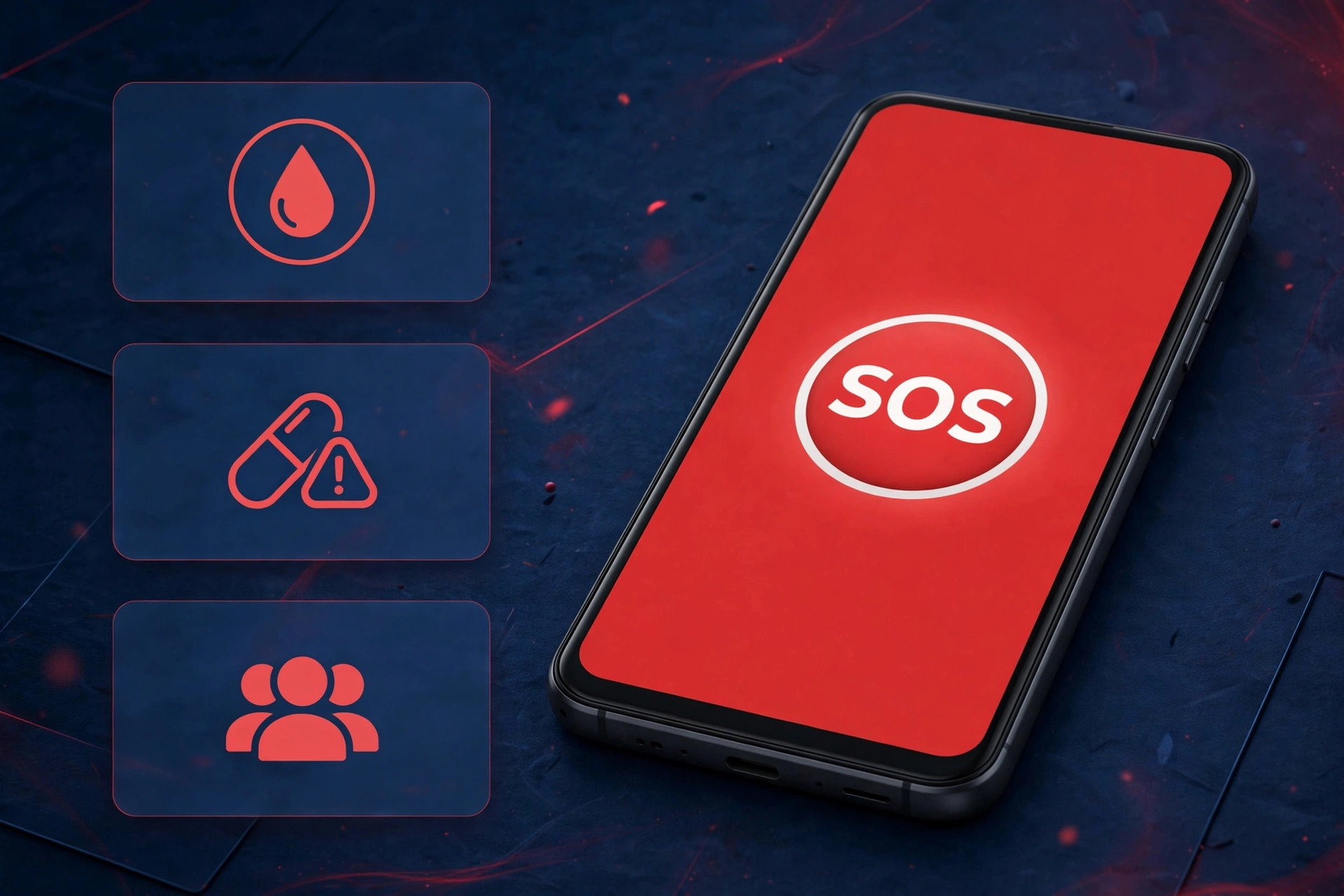
What Emergency SOS Actually Does
Emergency SOS is a panic shortcut built into modern Android phones. When triggered — usually by pressing the power button five times in a row — it:
- Calls the emergency number automatically after a short countdown (you can cancel before it dials).
- Texts your emergency contacts your live GPS location, updating as you move.
- Starts video or audio recording on some brands (Pixel's Personal Safety app can auto-record and back up to the cloud).
- Shows medical information on your lock screen for paramedics, even if the phone is locked.
It works with the screen locked, it works without your SIM unlocked, and the emergency call works even on another carrier's network or with no SIM inserted at all. The location texts need your own data connection, though.
How to Set Up Emergency SOS (Standard Steps)
- Open Settings and search for "Emergency SOS" (on most phones it's under Safety & emergency or Security).
- Toggle Emergency SOS on.
- Choose the trigger gesture — five power-button presses is standard; some brands offer three presses or a long press.
- Set the emergency number. On a phone with a Pakistani SIM this is usually pre-set to 15 (police). You can change it — many people prefer 1122 (Rescue 1122) or a trusted relative's number as the first call.
- Add emergency contacts — these are the people who get your location texts when SOS fires. Pick people who reliably pick up the phone.
- Turn on Share info with emergency contacts so your GPS location is sent automatically.
- Enable the countdown alarm — the loud warning tone before the call goes out. Keep it on: it stops accidental dials and can startle an attacker.
On Google Pixel phones, SOS lives in the Personal Safety app (pre-installed). Open it, tap Safety check and Emergency SOS to get extra options: car crash detection, crisis alerts, and safety check timers that message your contacts if you don't check in on time — genuinely excellent if you travel long distances by road at night. If you'd like to pair this with tracking a missing device later, our guide on finding a lost Android phone covers Google's Find Hub location features.
Brand-Specific Instructions
Samsung (One UI)
Samsung has one of the most polished SOS setups:
- Go to Settings > Safety and emergency > Send SOS messages and toggle it on.
- Choose 3 or 4 power-button presses as the trigger.
- Toggle Share pictures and Share audio recording — when SOS triggers, your phone attaches photos from both cameras and a 5-second audio clip to the alert texts. It also turns on location services automatically even if GPS was off.
- Add recipients under Send messages to — up to 4 contacts.
Google Pixel (Personal Safety)
- Open the Personal Safety app > Emergency SOS and enable it.
- Under Start actions, choose the 5-press trigger, add emergency contacts, and enable video recording (records and uploads to the cloud when SOS fires).
- Enable Car crash detection — the phone detects a severe impact and calls emergency services if you're unresponsive. Worth enabling before any long road trip.
Xiaomi / Redmi / Poco (MIUI / HyperOS)
- Go to Settings > Passwords & security > Emergency SOS (on HyperOS: Settings > Safety > Emergency SOS).
- Enable the feature and choose 5 presses of the power button.
- Add emergency contacts and set the emergency number (default is your local emergency number — check it's correct for Pakistan).
- Xiaomi's implementation is simpler than Samsung's: it calls and texts but doesn't record audio. The hidden Android features guide shows a few other safety-adjacent settings Xiaomi buries in its menus.
OnePlus / Oppo / Realme (ColorOS / OxygenOS)
- Go to Settings > Safety & emergency > Emergency SOS and enable it.
- Configure the 5-press trigger and emergency contacts.
- On newer ColorOS versions you can also enable automatically share real-time location and a countdown tone.
Add Emergency Contacts and Medical Info
SOS contacts are only half the picture. The other half is medical information that first responders can read from your lock screen — blood type, allergies, medications, conditions like diabetes or epilepsy, and an emergency contact number. Fill it in honestly; it only matters in a real emergency.
- Go to Settings > Safety & emergency > Medical info (Samsung: Safety and emergency > Medical info; Pixel: Personal Safety app > Medical information).
- Fill in: name, blood type, allergies, medications, medical conditions, organ donor status, emergency contact.
- Toggle "Show on lock screen" on.
To check what a stranger would see: lock your phone, tap Emergency call on the lock screen, then look for the Emergency information / Medical info button. That's exactly what paramedics will see — verify it's complete.
A separate but related habit: store an "ICE" (In Case of Emergency) contact in your phonebook with the prefix ICE - before the name, e.g. "ICE - Ahmed Khan". Paramedics worldwide recognize the ICE convention even on phones where they can't navigate the menus.
Pakistan-Specific: Emergency Numbers and Alerts Worth Knowing
Numbers differ by country, so set yours up for Pakistan rather than trusting the defaults:
- 15 — Police (Madadgar 15)
- 1122 — Rescue 1122 (ambulance, fire, rescue) — available in Punjab, KP, Sindh, Balochistan and GB, and it's the number most Pakistanis should default SOS to
- 16 — Fire brigade (older, still active in many cities)
- 130 — Motorway Police (if you drive on the M-2/M-3 regularly)
- 112 — the international GSM emergency number; works on Pakistani networks even without a SIM
Also worth enabling: wireless emergency alerts (cell broadcast). PTA and NDMA have been expanding cell-broadcast alerts for floods, earthquakes and extreme weather — on some phones these arrive as loud push alerts even in silent mode. Check under Settings > Safety & emergency > Wireless emergency alerts (or Settings > Notifications > Wireless emergency alerts) and make sure extreme threats and severe threats are enabled. For phones used by family members, our PTA-focused guide on verifying a phone is PTA approved is worth reading alongside this one.
Test It Safely (Without Calling the Police)
You should verify SOS works — but you absolutely should not test it by letting it dial 15. Prank and accidental calls waste emergency responders' time and are illegal in many places. Test safely instead:
- Trigger the gesture and cancel during the countdown — this confirms the trigger works and the cancel button is reachable under pressure.
- Set the SOS number temporarily to your own second number or a family member's phone, run a full test (let it call and text), then switch the number back to the real emergency number.
- Check the location texts arrived with an accurate GPS pin.
- Verify the lock-screen medical info is visible as described above.
Do this once when you set it up, and re-test once a year — or after any major Android update, since the Android safe mode guide explains how updates can quietly change system settings.
Tips That Make SOS Actually Useful
- Keep location services usable: SOS can turn on GPS automatically on most brands, but it can't enable a disabled location master switch on all of them. Leave location on.
- Practice the gesture once: five rapid power-button presses feel awkward the first time. Muscle memory matters in a panic.
- Wearable backup: if you use a smartwatch, set its SOS shortcut too — it's reachable when your phone is in a pocket or bag.
- Tell your emergency contacts: warn them that an SOS text with your location means call back immediately, and show them what the message looks like.
- Traveling abroad: SOS dials the local emergency number of the country your SIM or network indicates — check the local number before international trips, and keep a copy of your Wi-Fi and travel basics handy for staying connected.
- Battery: SOS works on low battery, but a dead phone helps nobody — if your phone dies fast, read how to increase Android battery life.
One caveat worth knowing: if you ever suspect your phone is behaving strangely around calls and location, check our guide on telling if your Android phone is hacked before trusting SOS in a genuine emergency — a compromised phone can't be relied on.
FAQ
Will Emergency SOS call the police automatically if I press it by accident?
No. Triggering SOS starts a loud countdown (usually 5–10 seconds) giving you a chance to cancel. The call and messages are only sent if you let the countdown finish. If an accidental call does go through, stay on the line and explain it was a mistake — hanging up guarantees a callback or a visit.
Which emergency number does Android SOS call in Pakistan?
On phones set up with a Pakistani SIM, SOS typically defaults to 15 (police). You can change it to whatever you prefer — many Pakistanis set 1122 (Rescue 1122) instead since it covers ambulance and rescue as well, not just police.
Can first responders see my medical info if my phone is locked?
Yes — if you enable "show on lock screen." Your medical info is readable from the lock screen's Emergency call button without unlocking the phone. It does not expose your messages, photos, or anything else — only what you entered in the medical info screen.
Does Emergency SOS work without mobile signal?
The emergency call can connect over any available network — even a rival carrier's towers or with no SIM at all. But the location texts to your contacts need your own data connection. In remote areas with weak signal, send the call first; texts may queue until signal returns.